Personal workbench
Take your project home. Keep building.
A compact PrometheOS workbench lets you reopen a lab project, reconnect the parts you need, and keep experimenting on your own time.
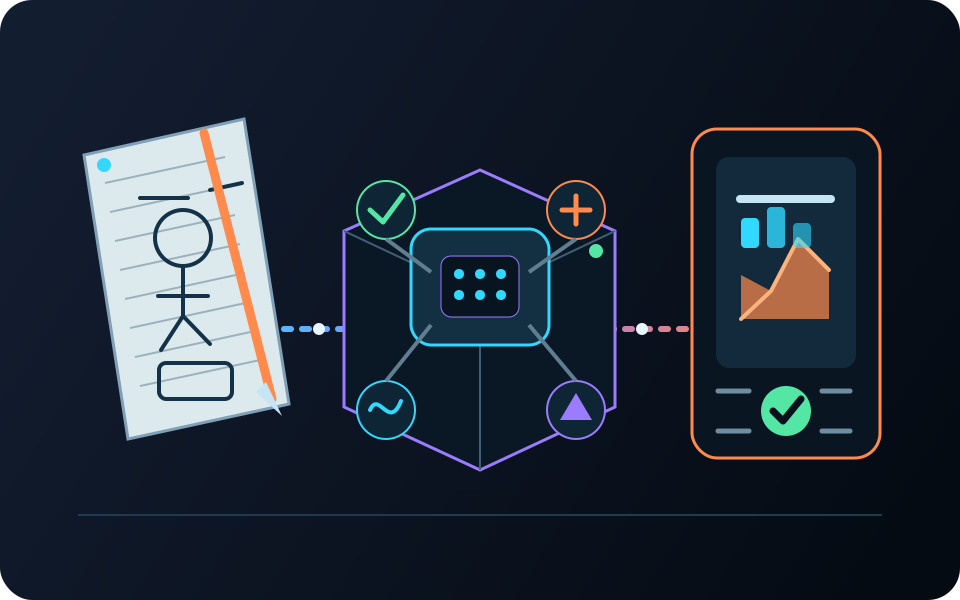
Your project goes with you
The lab closes. Your project does not.
Save your work in a shared lab, open it on a compatible personal setup, reconnect the hardware, and pick up where you left off.
-
01
In the lab
Build the first version
Use a team station, bigger shared tools, and a little guidance to get the first idea working.
-
02
Take it with you
Save the project
Keep the setup, behavior, hardware list, and notes together so you can reopen them later.
-
03
At your workbench
Reconnect the parts
Open the project on a smaller PrometheOS setup and connect the inputs and outputs you have available.
-
04
Over time
Show how it changed
Keep the diagrams, setup, test results, surprises, and changes that tell the full story.
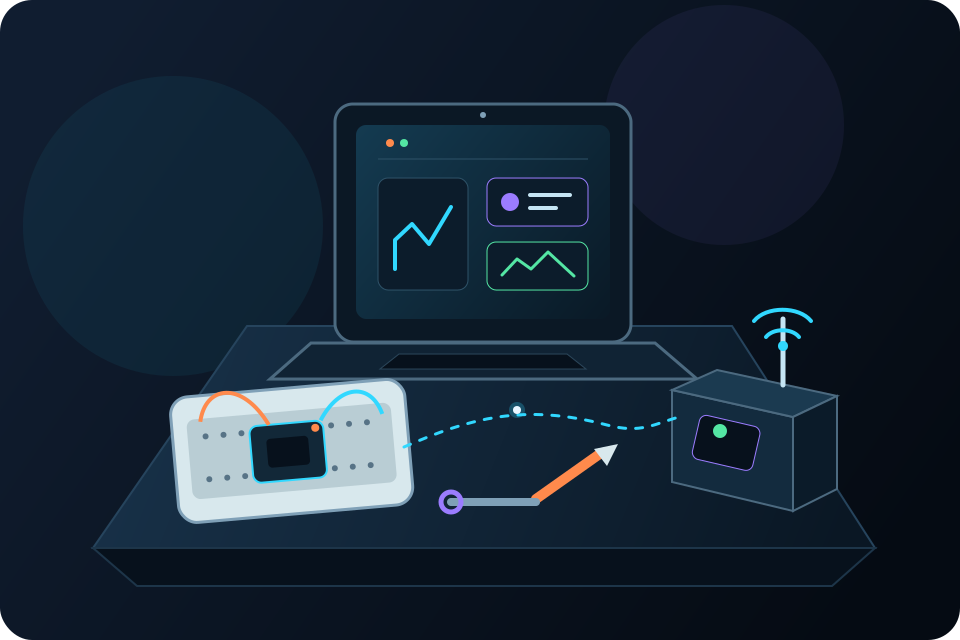
Your own workbench
You do not need the whole lab.
A smaller set of compatible parts is enough to keep many projects going. Reconnect the same hardware or map the project to parts that do the same job.
- Open a project from the shared lab.
- Reconnect a smaller set of safe sensors and controls.
- Change one thing and watch the idea evolve.
- Save the next version so it stays with you.
Personal projects still require appropriate supervision, safe wiring, correct power supplies, and responsible testing.
Personal software use included
Personal use comes with it.
A PrometheOS product includes the software for personal, non-commercial projects. Commercial use requires a paid license.
Show the work
Show how you made it work.
The final demo is only part of the story. Keep the setup, tests, failures, and changes so someone else can understand and rebuild it.
- Diagram How components and systems connect
- Choices What you wanted the project to do
- Test Expected behavior and observed results
- Surprise What did not work the way you expected
- Revision What changed and why
- Reflection What the next version still needs
Grow with every project
Start with one action. Grow into a whole system.
Begin with one input and one output. Add more sensors, controls, automation, devices, and behavior when you are ready.
- StartOne input, one rule, and one output
- ConnectAdd sensors, controls, sound, light, or motion
- CombineMake several devices work together
- InspectSee the status, history, failures, and setup
- CreateBuild a physical system of your own