The hub
PrometheOS runs on the local network and keeps the lab's hardware, projects, controls, and records in one place.
PrometheOS for education
One local PrometheOS hub connects team workstations, curriculum, sensors, cameras, controls, and machines—all through the screens you already have.
Plan a lab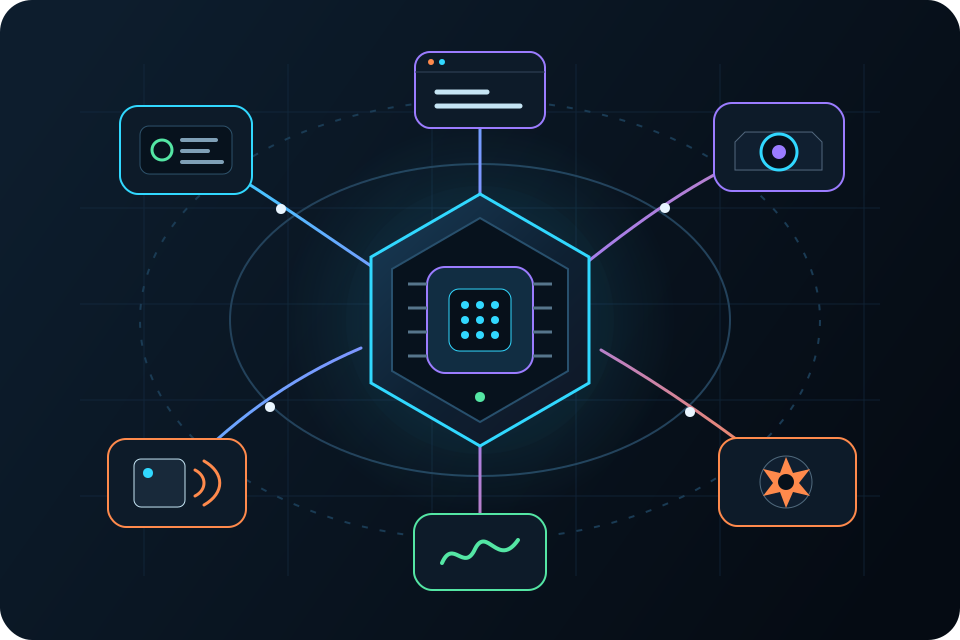
Inside the lab
Students build at team stations. The hub keeps everything connected. Shared cameras, cards, audio, robots, and sensors make bigger projects possible.
PrometheOS runs on the local network and keeps the lab's hardware, projects, controls, and records in one place.
Small groups connect safe, low-voltage parts, decide what should happen, test the result, and improve the next version.
Cameras, card readers, robots, audio, and environmental sensors open the door to larger projects.
No new computers needed
Students can use classroom computers, Chromebooks, or tablets to open PrometheOS over the local network. They can see their hardware, change the setup, use the controls, and save their work.
The classroom rhythm
The same simple loop works for a first-day light project and a completely original invention.
Sign in and see the team's tools in one place.
Choose a real need, connect the parts, and decide what should happen.
Work safely, press the button, and watch the real result.
Show what the team chose, saw, learned, and wants to change.
Use what happened to make the next version even better.
Support for educators
You choose the challenge, set safe limits, guide the teams, and decide what good work looks like. PrometheOS provides the shared tools, projects, and records that keep the lab moving.
Grow at your pace
Begin with a few stations, grow into a full classroom, and add advanced tools when the program needs them.
Start
Smaller groups, demonstrations, libraries, and initial school trials.
Build out
Multiple team stations, shared equipment, curriculum, and training.
Extend
Advanced programs, capstones, technical academies, and makerspaces.
Choose your lab
Every lab includes PrometheOS, then changes to fit learner age, group size, space, equipment, and program goals.
Start small
For smaller groups, demonstrations, libraries, and initial school trials.
Full classroom
A complete classroom setup with one shared control center, multiple student stations, shared equipment, curriculum, and training.
Go further
For advanced high-school programs, career education, colleges, makerspaces, and technical academies.
Built to stay
The school owns its installed equipment, software, and purchased learning resources. The core classroom system does not need a cloud subscription to keep working.
Optional services can add updates, new learning resources, priority support, and more training whenever the program wants them.
Start a project
Tell us their age range, your space, the equipment you need, and what you want them to learn.