Foundations
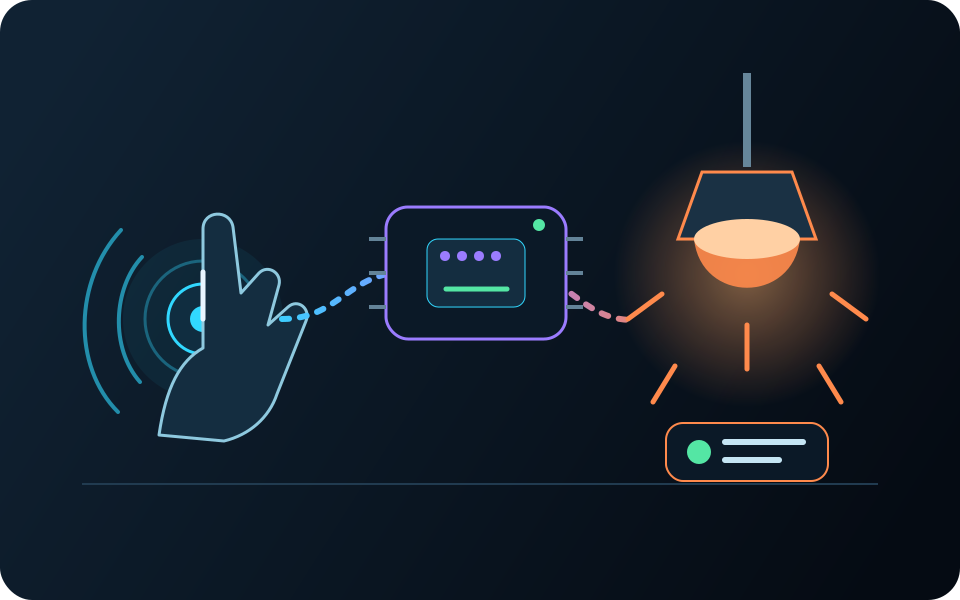
Touch-controlled lighting
Touch a sensor to turn on a light. Change the response and keep a record of every tap.
- Build
- Inputs, rules, controls, and outputs
- Learn
- Setup, tests, results, and next version
Projects
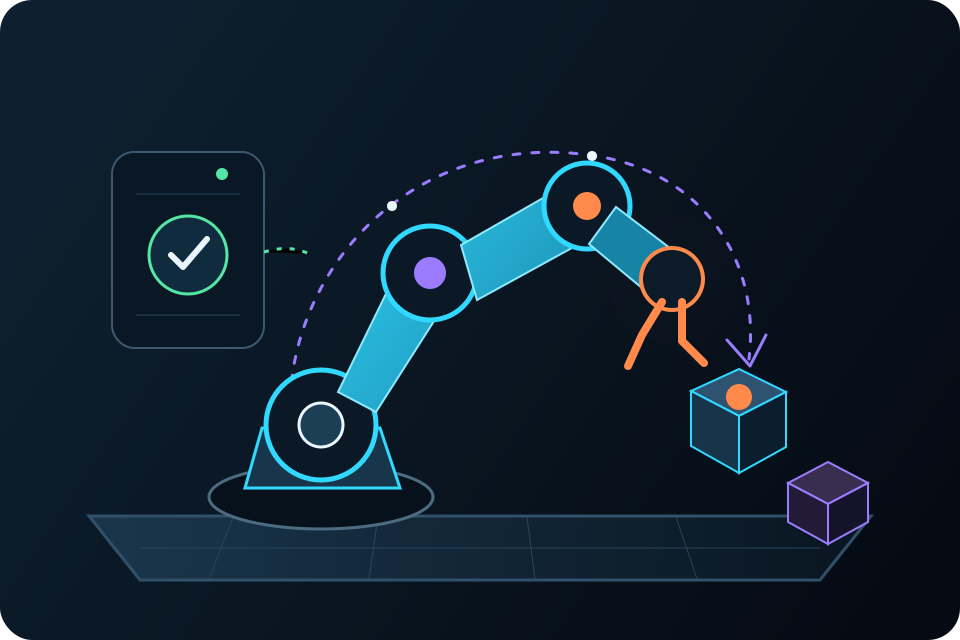
Control a light. Cool a room. Open a cabinet. Wake up an exhibit. Build a robot. Each project shows how real inputs become useful actions.
One simple method
A greenhouse and a robot use different parts, but both start with a need, take in signals, make a decision, and act.
Choose a need, a useful moment, or a question.
Add a sensor, control, camera, card, or network event.
Set the rules, timing, permissions, and safety limits.
Run a light, speaker, screen, relay, motor, or machine.
Test the whole system, see what happened, and try again.
Project gallery
Start with a working pattern. Change the hardware, combine ideas, and make the next version your own.
Showing all 11 projects.
Foundations
Touch a sensor to turn on a light. Change the response and keep a record of every tap.
Automation
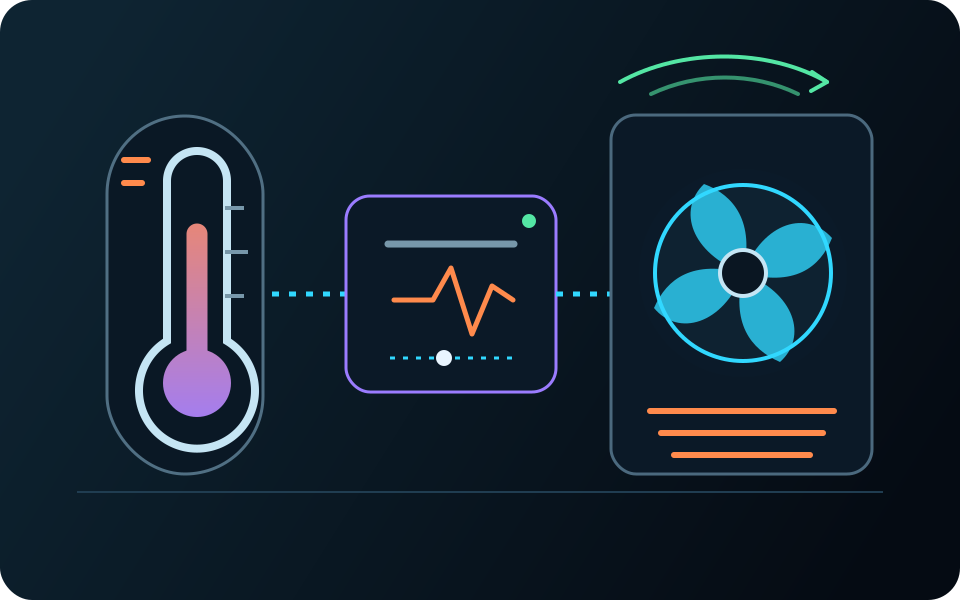
Read the temperature and turn a fan on or off at the limits you choose.
Environment
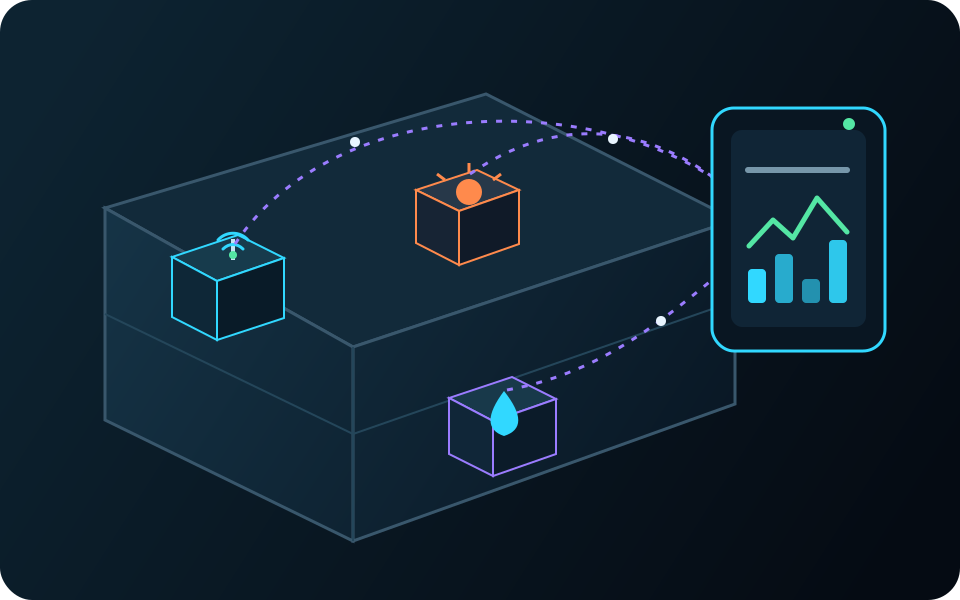
Send temperature, humidity, and air-quality readings from wireless nodes to one local hub.
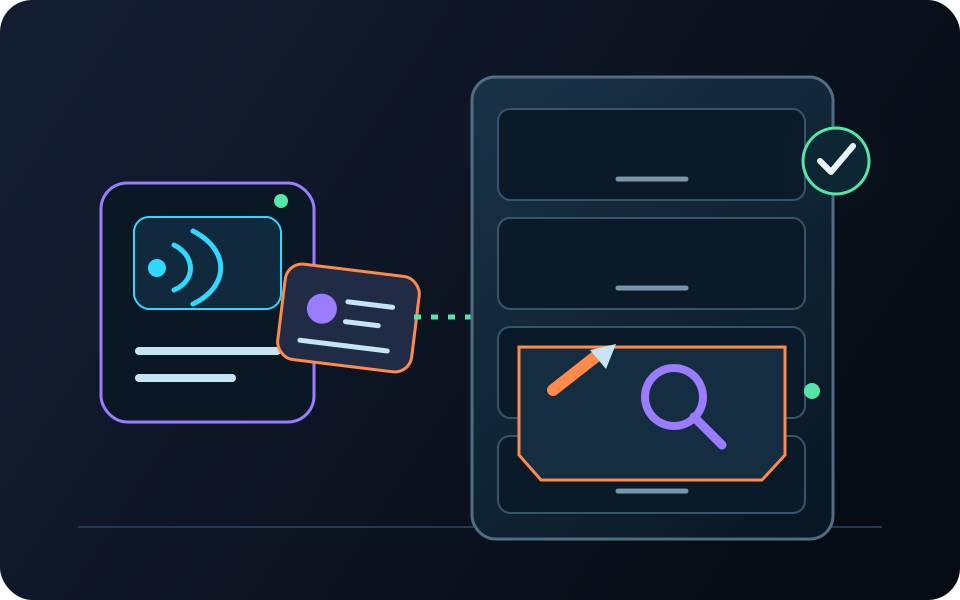
Access
Tap an approved card to open a cabinet and keep a record of the result.
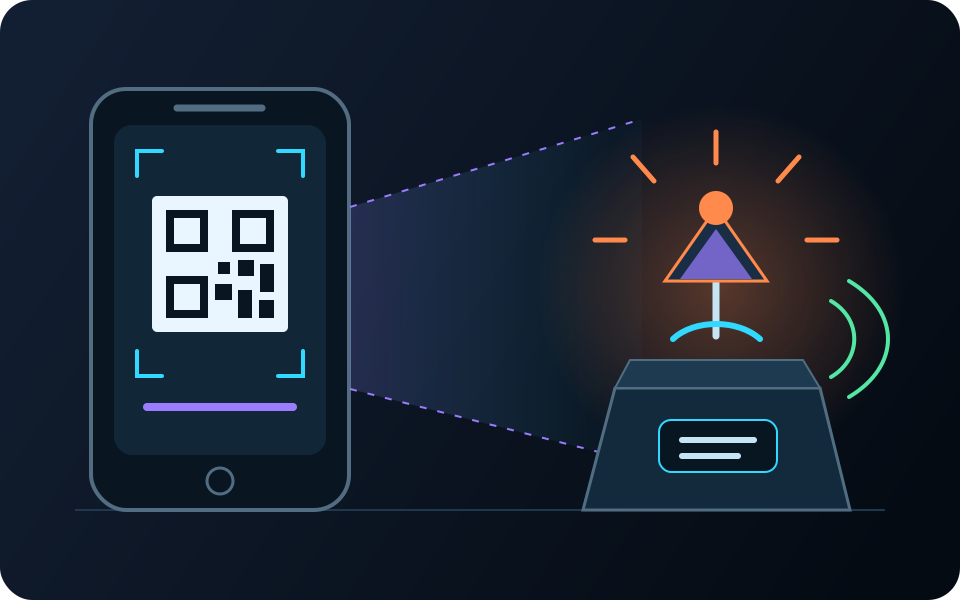
Human interaction
Show a visual marker to start lights, audio, a display, or motion.
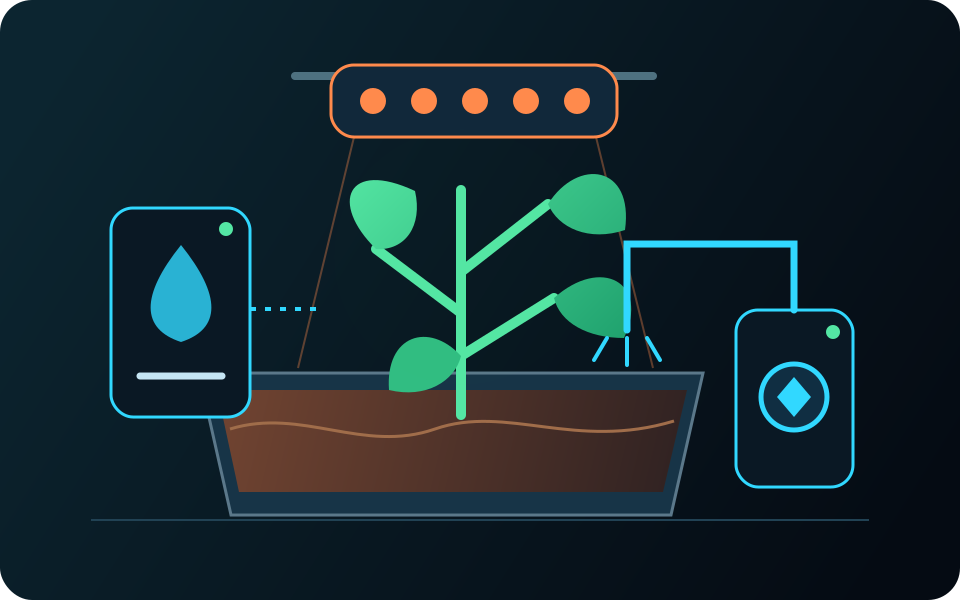
Automation
Use sensor readings and schedules to run irrigation, ventilation, and grow lights.
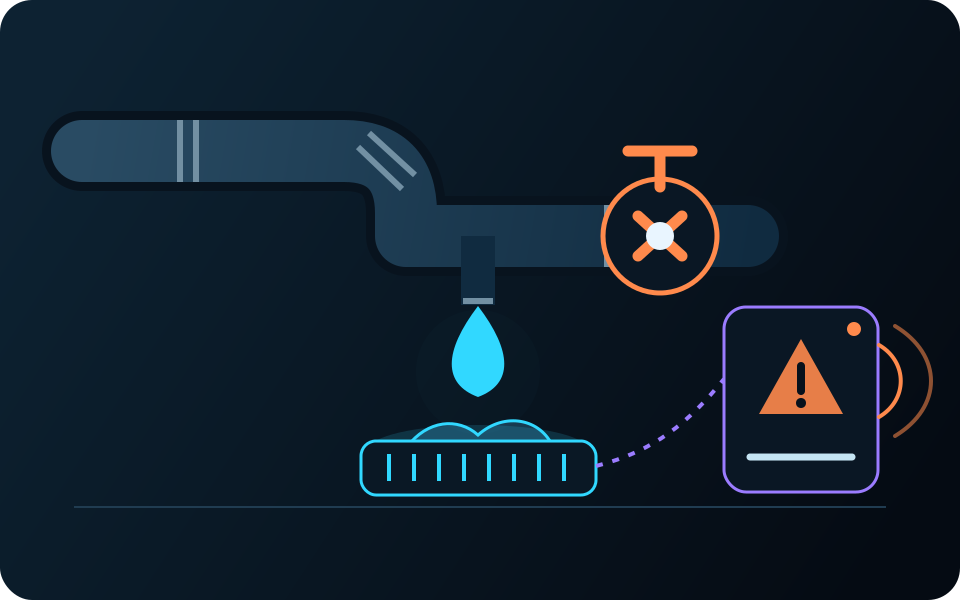
Environment
Detect a leak, sound a local alert, and save the event for follow-up.
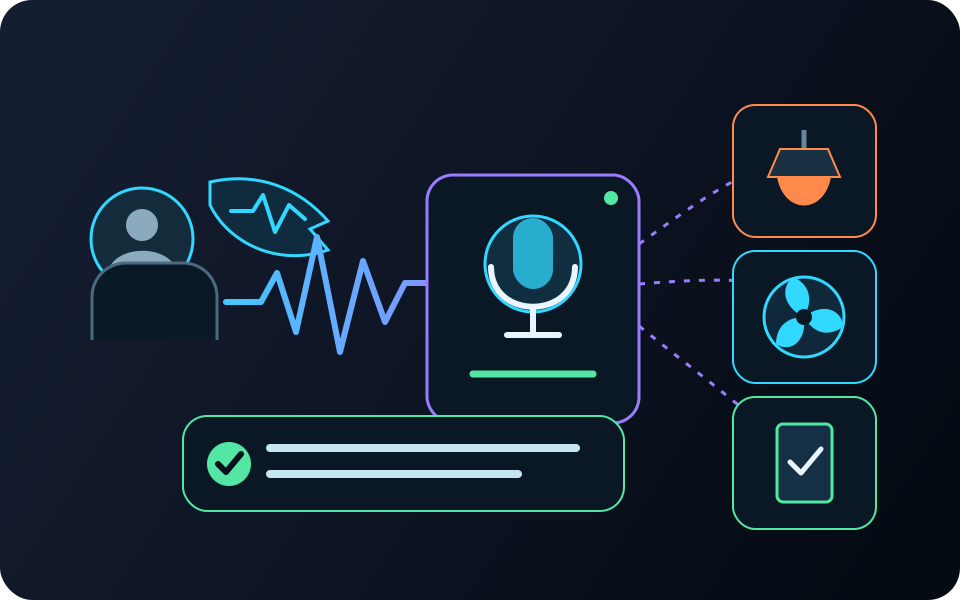
Human interaction
Use voice or alternative controls to run lights, audio, and room equipment with clear feedback.
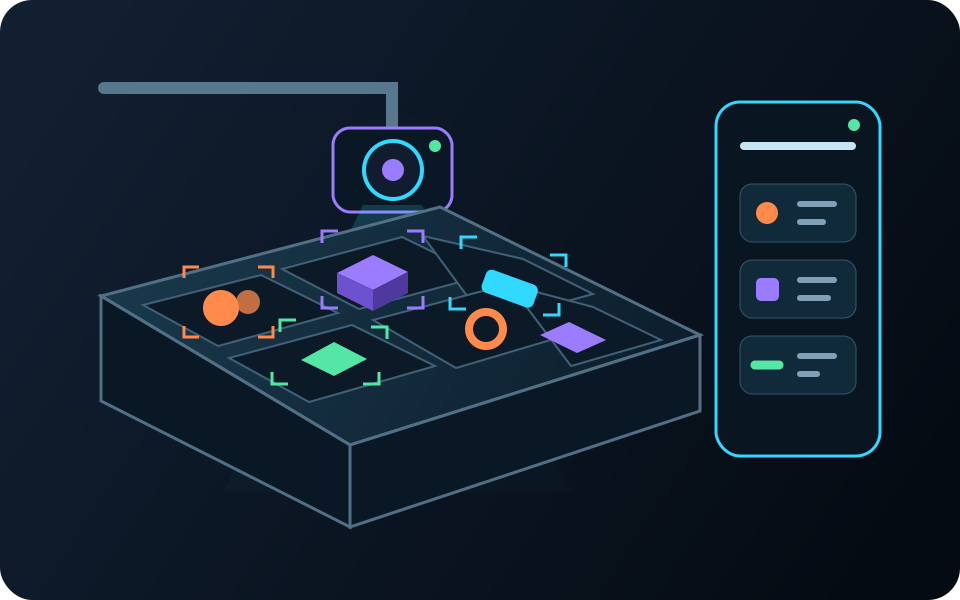
Vision
Read item markers with a camera and save what was seen, where, and when.
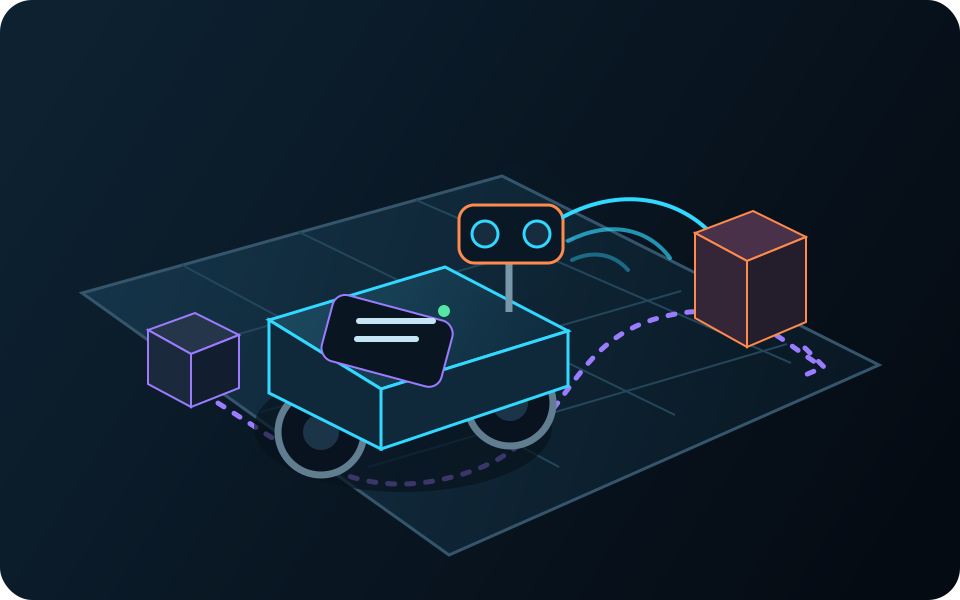
Robotics
Use distance and route sensors to guide a small machine with speed limits and manual control.
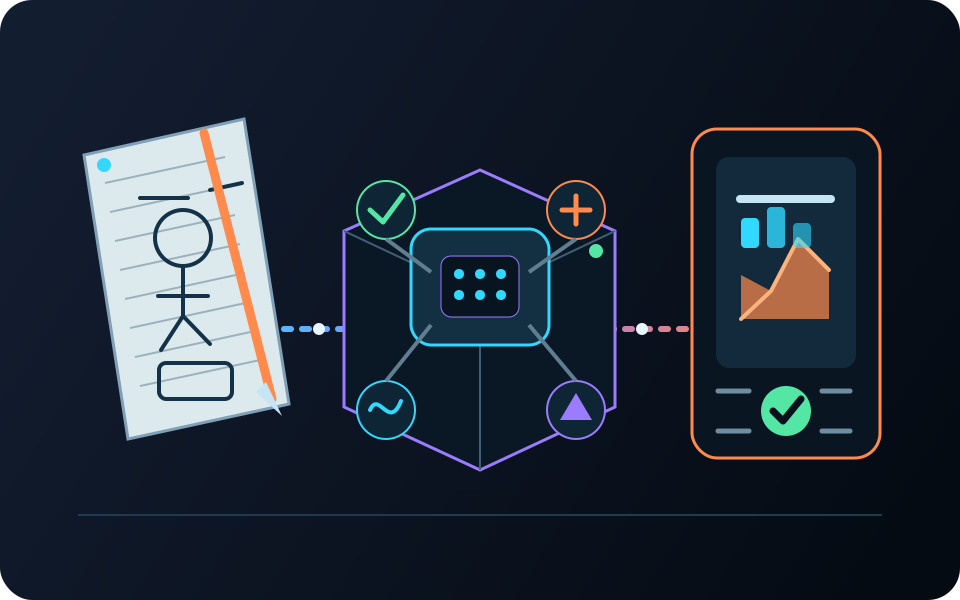
Capstones
Choose a real need, build the system, test it, and show how each version got better.
Make it your own
A guided project shows one input–rule–output pattern that works. Reuse it with different hardware, new conditions, or completely new behavior.
See how the projects growStart a project
Tell us what it should sense, what it should do, which hardware you have, and how far you have gotten.