Follow a clear build.
A guided first project teaches safe wiring, what each part does, and how to explain the result.
Curriculum
Start with safe wiring and a light you can control. Then add sensors, automation, connected nodes, identity, vision, audio, reliability, and an original capstone.
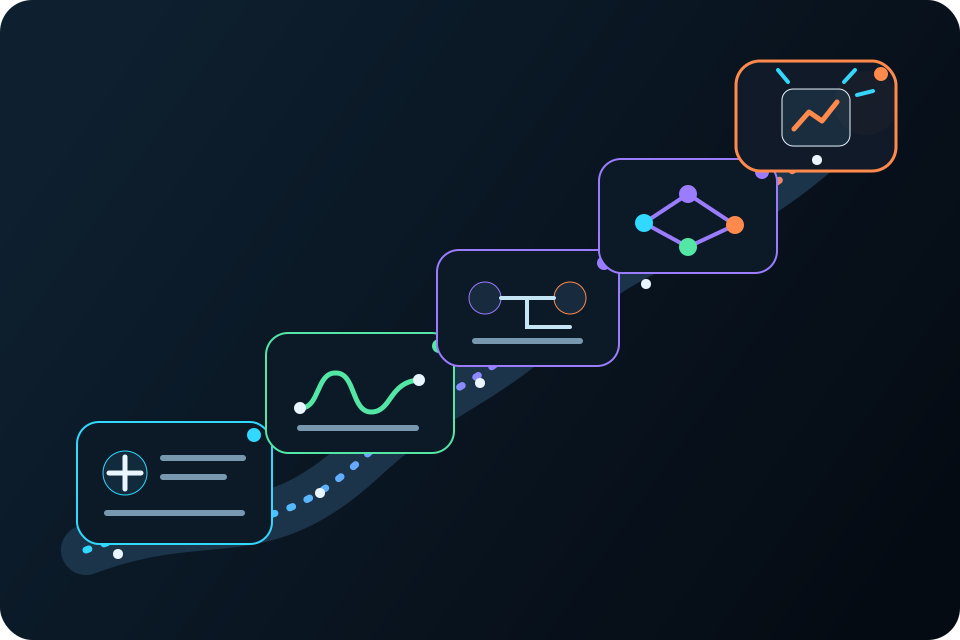
How students learn
Every stage uses the same learning loop while adding new hardware, ideas, and choices.
Connect an input, a rule, and an output.
Compare what you expected with what really happened.
Show the setup, the choices, and the result.
Use live status and history to track down surprises.
Change one thing, test again, and save what you learned.
The learning path
Move from basic electricity to a complete capstone. Change the pace, context, and challenge to fit your learners.
Touch-controlled lighting
Door and presence logger
Temperature-controlled ventilation
Wireless classroom environmental monitor
Tap-to-open tool cabinet
QR-controlled interactive exhibit
Accessible voice-operated room controller
Leak and water-level monitor
Student-designed capstone
Inside each stage
Each module adds one concept, one guided project, and the practical skills students use to make it work.
Change the pace, setting, teams, and challenge while keeping the work safe, hands-on, and easy to understand.
More independence over time
A guided first project teaches safe wiring, what each part does, and how to explain the result.
Cards, cameras, sound, automation, and connected nodes give students more parts to combine and more decisions to make.
Students choose the need, design the system, test the whole idea, and show how they made it work.
This site does not claim completed standards alignment. Instructors should evaluate sequence, depth, and classroom use within their own program context.
Start a project
Tell us about your learners, schedule, setting, experience level, and how deep you want to go.