Platform

A local-first systems-engineering stack students can grow into.

The hub, dashboard, hardware interfaces, ESP32 fleet, automation engine, vision, RFID, audio, users, permissions, diagnostics, and extensibility are presented in accessible classroom layers.

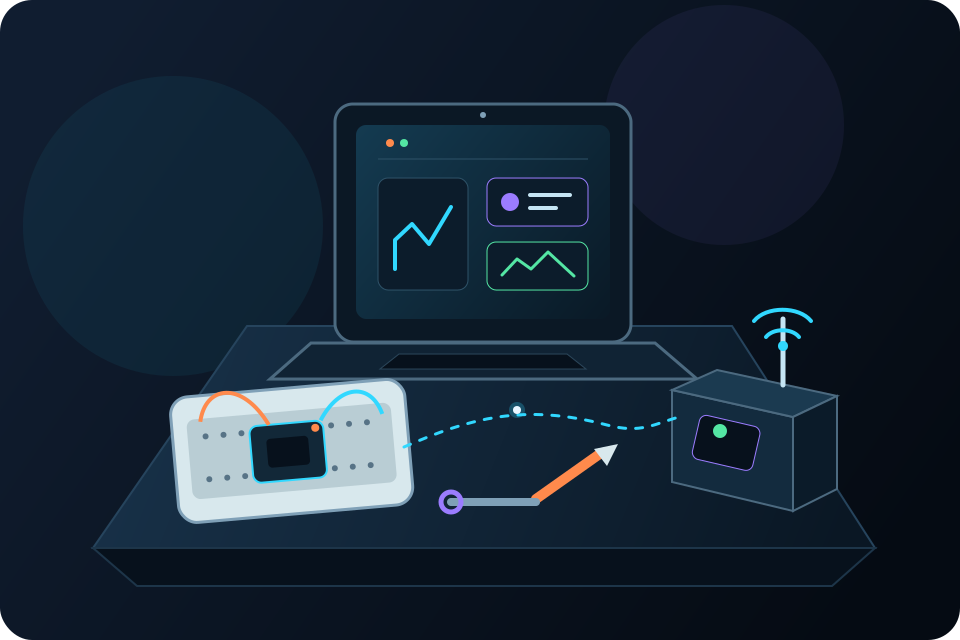
Student ESP32 station with visible input, logic, output, and diagnostic paths
The interface can begin simply without sealing students away from the system beneath it.

System layers

A clear surface for beginners. Real depth for the next question.

Each layer solves a classroom problem while remaining connected to the inputs, state, outputs, and operational evidence around it.

01

Connect the physical world

<built-in method copy of dict object at 0x701fd8422d80>

  • GPIO, I²C, relays, sensors, and outputs
  • Distributed ESP32 nodes
02

Compose dependable behavior

<built-in method copy of dict object at 0x701fd8422dc0>

  • Rules, schedules, timers, and triggers
  • Network-presence events
03

Perceive and identify

<built-in method copy of dict object at 0x701fd8422e00>

  • QR, ArUco, barcode, and visual events
  • Optional object-detection events
  • RFID credentials and access rules
04

Design human interaction

<built-in method copy of dict object at 0x701fd8422e40>

  • Audio playback, clips, alerts, and voice interaction
  • Multiple users and access levels
05

Own, diagnose, and recover

<built-in method copy of dict object at 0x701fd8422e80>

  • Local-first control and data ownership
  • Diagnostics, logging, backup, and recovery

The platform workflow

Every invention has a signal path students can follow.

PrometheOS makes the working loop visible: a physical event becomes state, logic chooses a response, an output acts, and diagnostics inform the next revision.

  1. 01InputSensor, touch, network, vision, RFID, or voice
  2. 02StateThe current condition becomes visible
  3. 03LogicRule, timer, schedule, or permission
  4. 04OutputLight, relay, motor, alert, audio, or interface
  5. 05EvidenceDiagnostics, logs, testing, and revision

Machine perception

Make visible events part of the system.

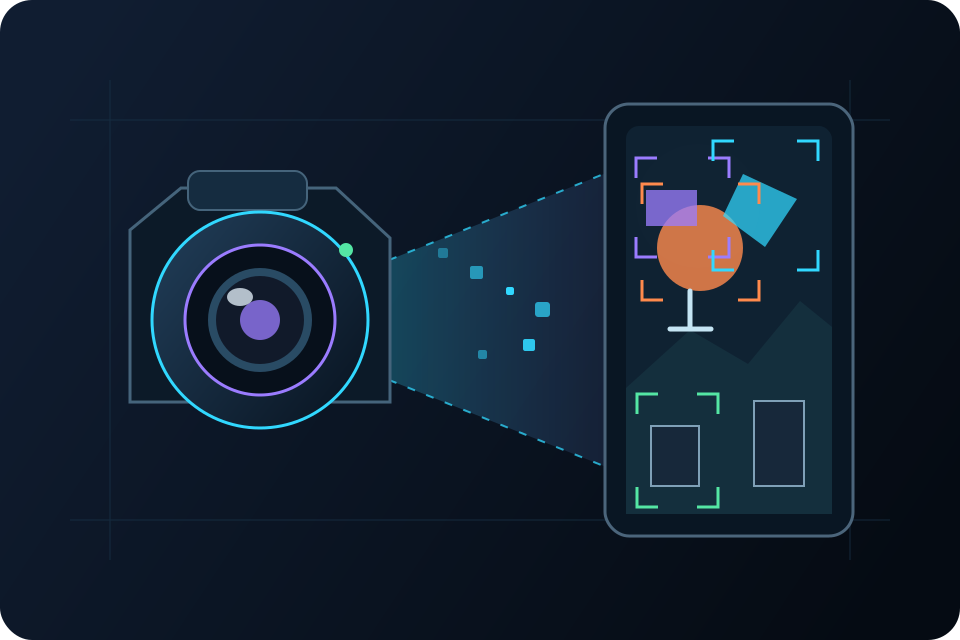
Cameras can produce QR, ArUco, barcode, and other visual events. Optional object-detection events extend that work when the program and local policy support them.

  • Connect a visual event to an understandable rule.
  • Test lighting, distance, framing, and reliability.
  • Keep the event and response visible in the local dashboard.
Camera field reading QR, ArUco, and barcode markers before triggering a local rule
Camera event → local rule → physical response

Identity and access

Model credentials, permissions, and accountability.

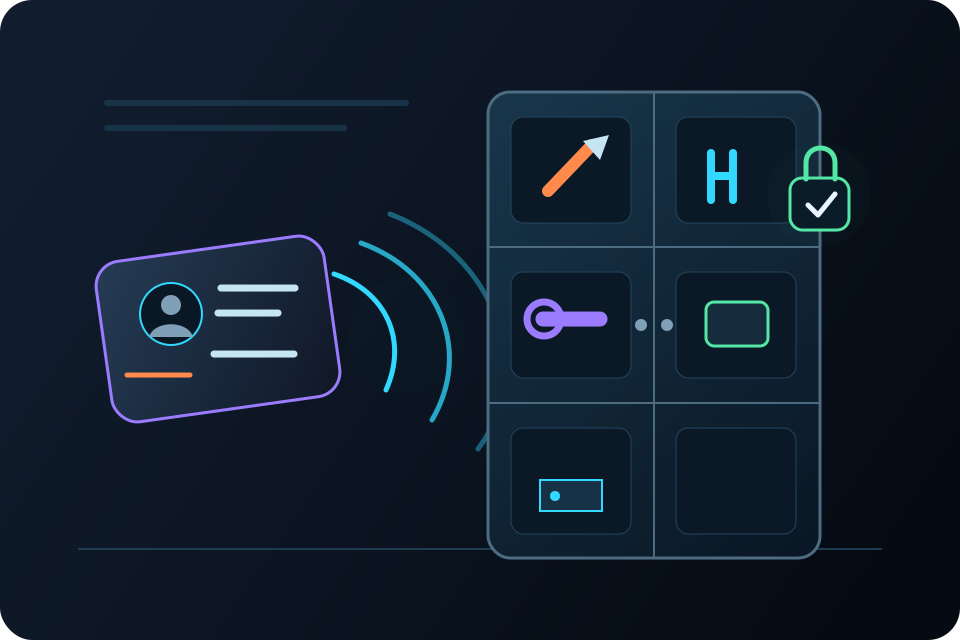
RFID projects let students examine the difference between recognizing a credential and authorizing an action. Access rules and event records make the decision path concrete.

  • Read a credential as an input.
  • Evaluate a visible access rule.
  • Operate an output and inspect the event record.
RFID credential moving through a permission decision to a cabinet output and event record
Credential → permission → output → record

Audio and human interaction

Give physical systems a clear way to communicate.

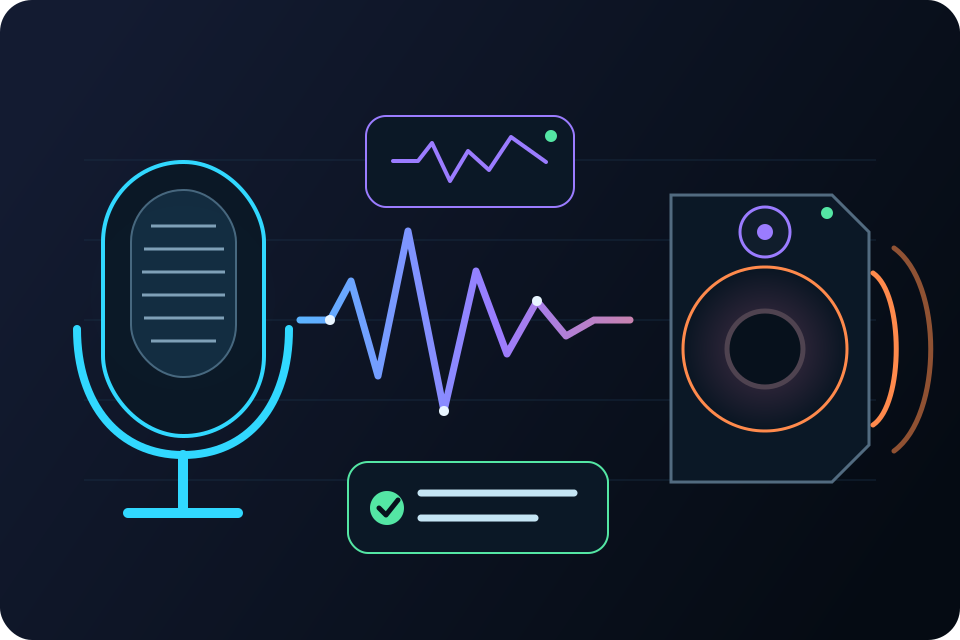
Projects can add clips, alerts, prompts, playback, and voice interaction. Students can reason about feedback and accessibility alongside the technical behavior.

  • Use sound as feedback, not decoration.
  • Connect voice or interface events to visible logic.
  • Keep alternate controls and failure behavior in view.
Voice and audio waveform passing through a local rule to speaker feedback and room control
Input → interpretation → prompt or controlled response

Distributed sensing

Connect measurements across the room.

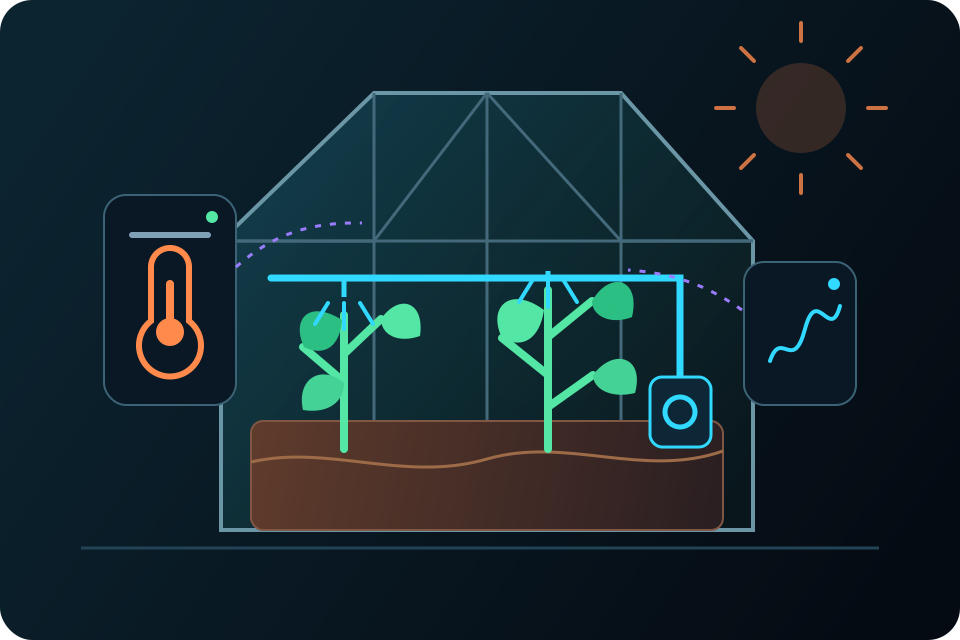
Distributed ESP32 nodes can bring temperature, humidity, water level, air-quality, and other sensor states back to the local classroom hub.

  • Compare physical locations and sensor choices.
  • Use trends and current state to shape automation.
  • Diagnose the network and the measurement, not only the output.
Temperature, humidity, water, and air sensors reporting locally to a classroom hub
Distributed sensing stays connected to local control and diagnosis.

Local operation and recovery

The classroom can inspect its own system.

The Orange Pi classroom hub acts as the always-running local server. It connects distributed microcontroller nodes, exposes browser-based control surfaces, records operational diagnostics, and supports project import/export.

Run
Local-first operation on the classroom network
Observe
Real-time state and operational diagnostics
Protect
Multiple users and appropriate access levels
Recover
Logging, backup, reset, and restoration workflows
Continue
Project import and export for classroom and home

Schools should evaluate advanced integrations against local policy, supervision, access, and network requirements.

Progressive technical ownership

The interface is a starting point, not a ceiling.

As projects demand more, students can follow the system downward into the technical layers that make it work.

  1. UseDashboard controls and guided project patterns
  2. ConnectElectronics, sensors, outputs, and ESP32 stations
  3. UnderstandAutomation logic, networking, state, and diagnostics
  4. ExtendLinux, Python, APIs, databases, and firmware
  5. OwnOriginal systems, documentation, testing, and recovery

Start a conversation

See how the platform fits a real classroom.

Tell us what your students want to build and what equipment your program already has.